
You bought the lap timer. It says 2:15.4. Now what?
That's where most drivers stall out. The device works fine. The data is sitting right there. But nobody ever explained which line on the screen actually tells you where you're slow. So the file gets saved, never opened, and the next session is another guess.
Here's the plain-English version of what a logger records and what to do with it.
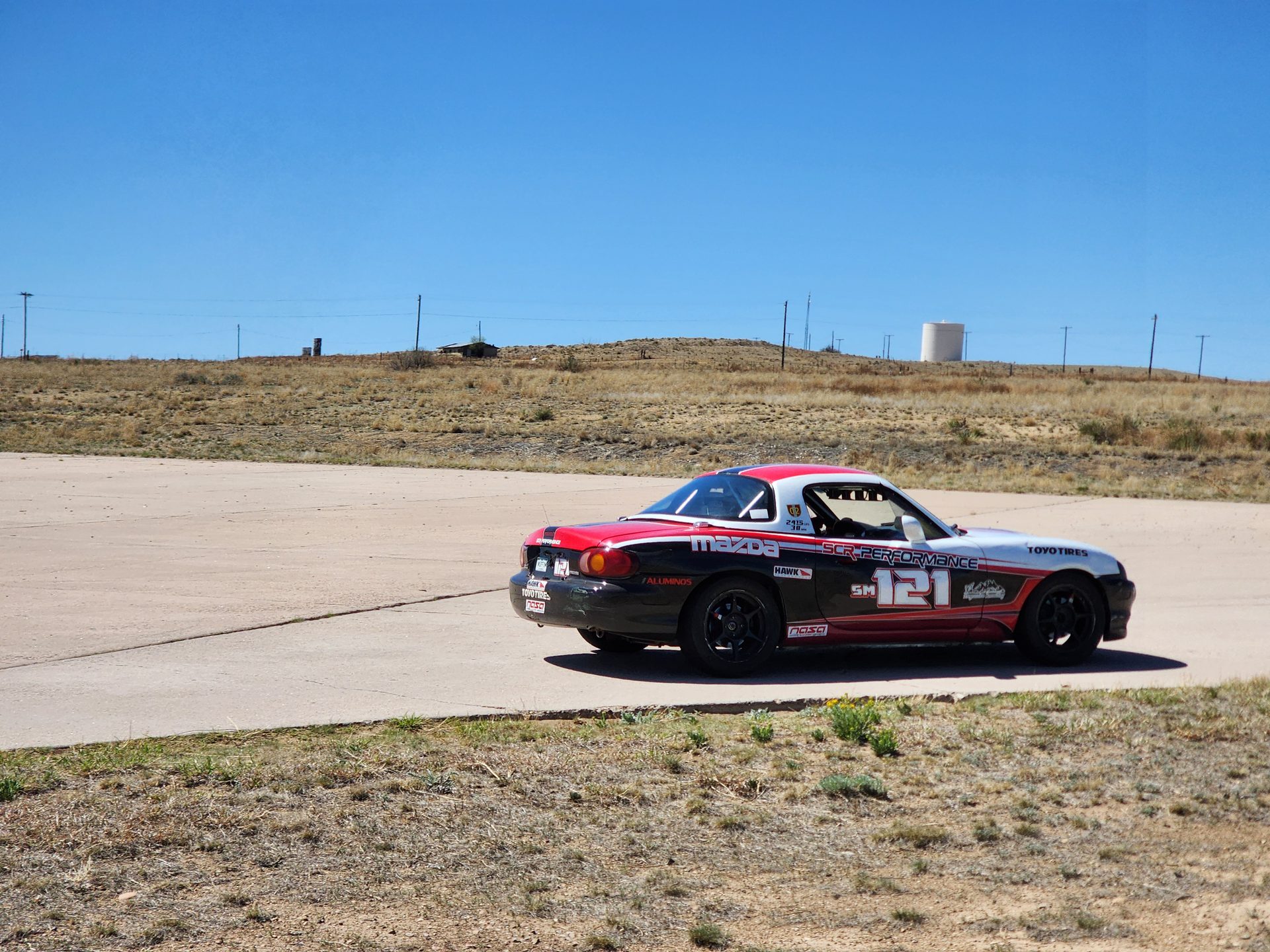 Every session in this car generates data. The car isn't the hard part — reading it is.
What a data logger actually records
Strip away the marketing and an entry-level system captures four things.
Position and speed. A GPS receiver logs where you are and how fast you're going, many times per second. Sample rate matters here. Most phones update their position roughly once a second, which is fine for a lap time and useless for a speed trace. Dedicated units run much faster — the RaceBox Mini S and the AiM Solo 2 both use 25 Hz GPS, so you get 25 position readings every second.
Acceleration. A built-in accelerometer and gyro record braking force, cornering load, and how the car pitches and rolls. The Solo 2 runs a 100 Hz six-axis inertial platform alongside its GPS.
Lap and sector times. Automatic start/finish detection, split times, and predictive lap timing while you're still on track.
Engine data, if you connect it. Plug into OBD-II or your ECU and you add RPM, throttle position, and temperatures. Some drivers add brake pressure and steering angle sensors later.
That last tier is optional. You do not need it to get faster. A GPS-only unit already gives you the four things that decide your lap time: how fast, where, how consistently, and where the time went.
The four numbers to read first
Open the file. Ignore ninety percent of what's on screen. Start here.
1. Delta time — where the time actually goes
Delta is a running total of how far ahead or behind you are compared to a reference lap. Watch the line climb and fall across the lap. Where it climbs fast, you lost time. Where it's flat, you matched the reference.
This single channel does something no amount of feel can do: it tells you which corners are worth fixing. Most drivers assume they're losing time in the scary corner. The delta usually points somewhere boring instead.
2. Minimum corner speed
Find the bottom of each dip in your speed trace. That number is your minimum corner speed, and it's the honest score for that corner.
Compare it to a faster lap. If your minimum is 3 mph lower, that's not just 3 mph. It's a slower exit, a slower straight, and a slower braking zone at the far end.
3. The point where speed stops falling and starts rising
This is the one that pays. Look for where the trace flattens out at the bottom of a corner and turns back upward. That's your throttle pickup.
If the bottom of your dip is wide and flat, you're coasting. Coasting is the most common and most expensive habit in club racing. The car isn't braking and it isn't accelerating — it's just using up track.
4. Lap-to-lap consistency
Overlay three of your own laps. Not a pro's lap. Yours.
The corners where all three lines sit on top of each other are corners you've learned. The corners where they scatter are corners you're still guessing at. That scatter is your homework list, and it costs nothing to find.
The fastest lap in your data isn't the useful one. The three that look identical are.
What it costs to start
Real prices, checked in August 2026. Every tier here works.
| Option | Price | What you get |
|---|---|---|
| Phone app (TrackAddict Pro, Harry's LapTimer) | $8.99 and up | Lap times, basic traces, video overlay |
| RaceChrono Pro | $19.99 | Same, with strong external GPS and OBD support |
| RaceBox Mini S | $289 | Standalone 25 Hz logging, no phone tether needed |
| AiM Solo 2 | $399 | 25 Hz GPS, 100 Hz inertial, auto track recognition, shift lights |
| Garmin Catalyst 2 | $1,199.99 | Camera, spoken coaching in the car, session summaries |
My honest recommendation for a first-year driver: start with a phone app and a cheap external GPS module. Learn to read a speed trace before you spend $400 on a better one. The bottleneck is never the hardware.
The Garmin is a different animal worth naming. It talks to you between corners and hands you a short list of what to fix after every session, which is genuinely useful if you have no idea what you're looking at. You pay $1,199.99 for the shortcut, and it doesn't teach you to analyze anything yourself.
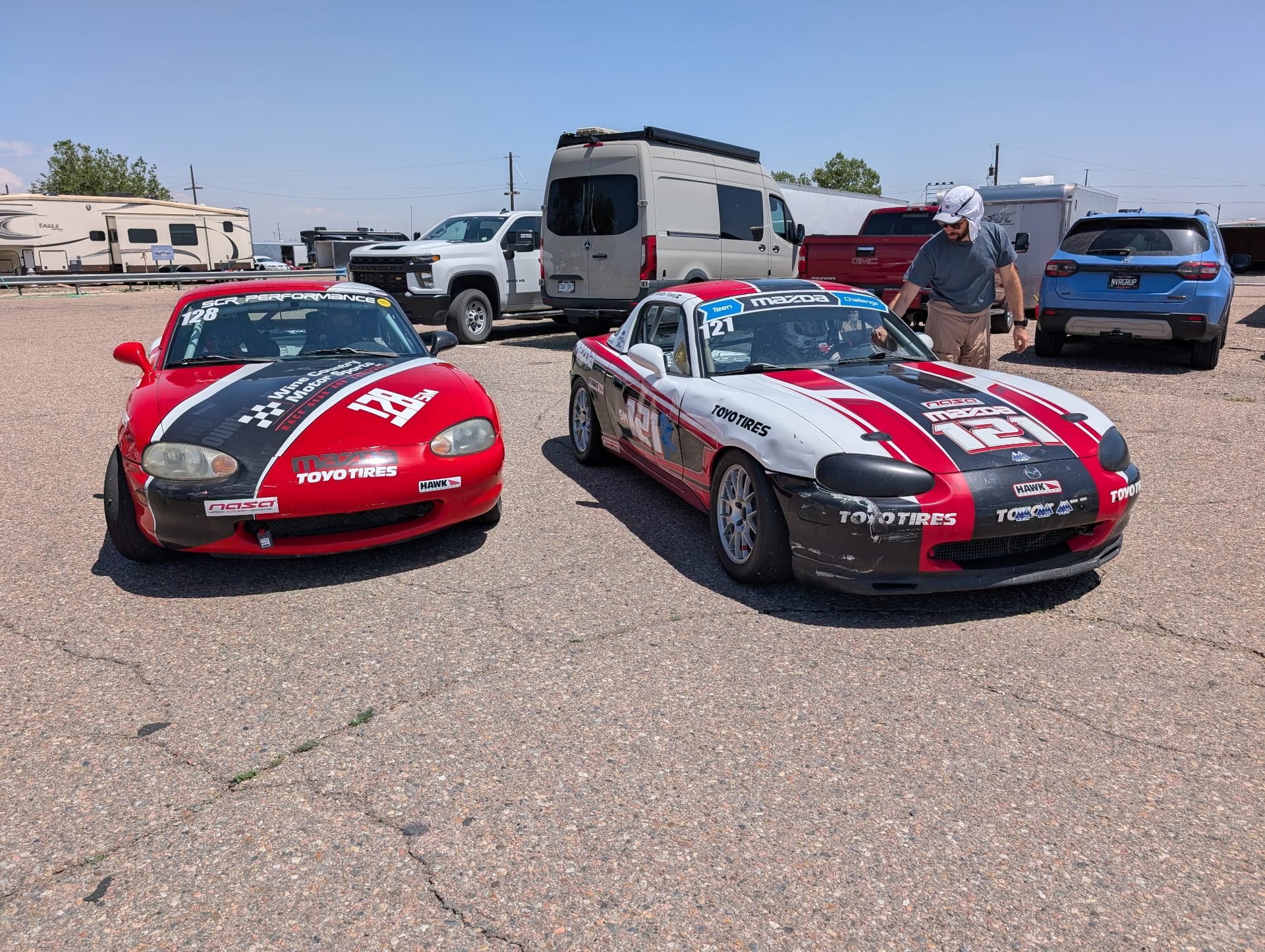 The paddock after the last session. This is when the data work happens, not the next morning.
The mistakes that make data useless
I've watched drivers download files all weekend and get nothing out of them. It's almost always one of these four.
Comparing laps that aren't comparable. A lap on fresh tires in cool morning air against a lap on hot tires with traffic ahead of you isn't a fair fight. Pick one clean reference lap per session and stick with it.
Trying to fix the whole lap. Take your two biggest time losses. Only two. Work each one in order — entry, then mid-corner, then exit — and change one thing at a time. Ten corrections at once means you learn nothing from any of them.
Reading data without video. The trace tells you what happened. The video tells you why. A dip you can't explain in the data is usually obvious the second you see the footage. We covered that side of it in how to use a GoPro to improve your driving.
Never writing anything down. If the session ends and nothing is on paper, it didn't happen. One or two lines per session is enough. That habit is the whole point of a real post-race debrief.
Why this matters more at HPR
High Plains Raceway is 2.55 miles of blind crests and elevation change, and it lies to your eyes. You come over a rise and the corner isn't where your brain put it.
The natural response is an early lift. You'll swear you stayed flat. The speed trace will show a small dip right at the crest, every lap, in the same place. That's the kind of thing data catches and feel never will. Same story at Pueblo, where the flat, featureless sections make braking references hard to trust.
If you're still learning either track, our High Plains Raceway track guide walks the layout corner by corner. Read it, then go check your own trace against it.
Start simple. One reference lap, one delta channel, two corners. Do that at your next track day and you'll leave knowing something specific instead of a feeling.
And if you'd rather not build the whole setup yourself, our full-season arrive-and-drive seats include data every session with someone sitting down to read it with you. Sometimes the fastest way to learn the screen is to have somebody point at it.
Do you believe?
Sources: AiM Solo 2 official product page, AiM official store, RaceBox Mini S, Garmin Catalyst 2 announcement, lap timing app comparison, TrackAddict Pro on the App Store, HPDE data analysis basics, and Coach Dave Academy on delta and throttle traces. Prices and specifications verified against published listings as of August 2026 and will move — confirm before you buy. The analysis method is what we run with our own drivers at NASA Rocky Mountain weekends.